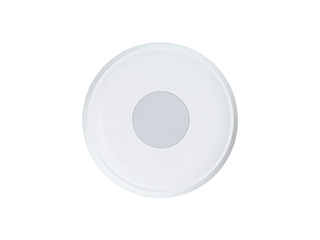
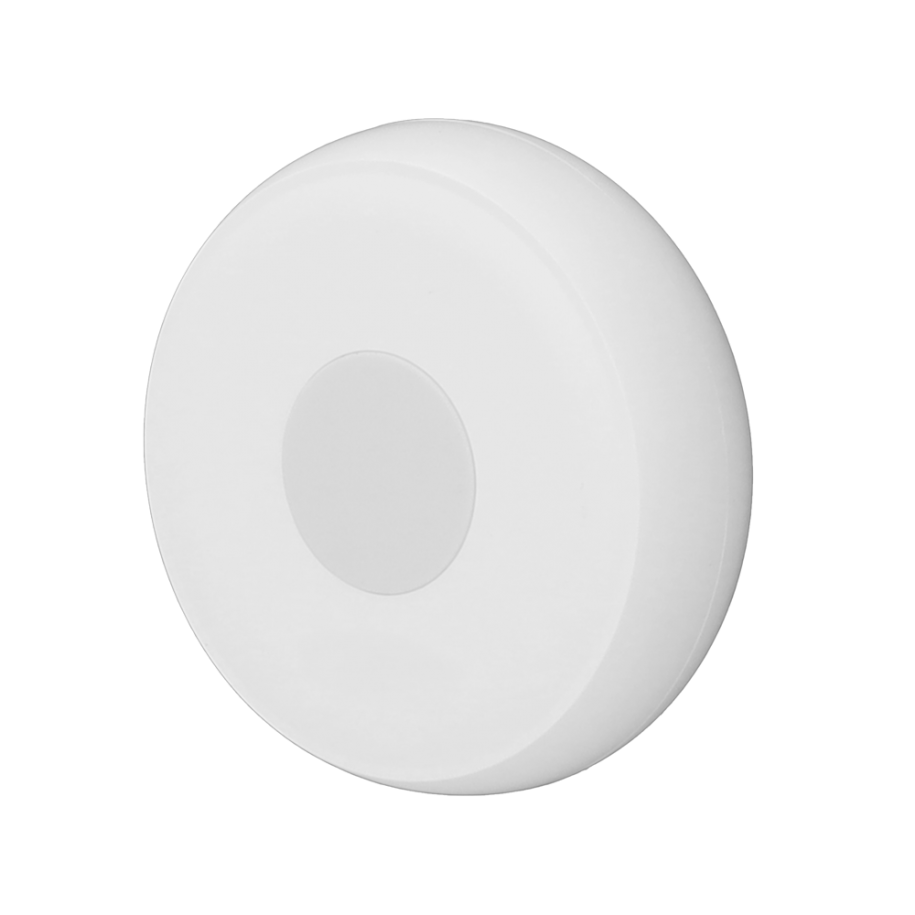
This smart scene button utilizes ultra-low power ZigBee technology, serving as both an emergency button
and a trigger for home automation scenes
Features One-touch emergency alert One-touch automation scene trigger Ultra-low power consumption with long battery life Easyinstallation with no wiring required Sleek and stylish design
Specification Model: MIR-SO100 Communication protocol: ZigBee 3.0 Input voltage: 3V/DC Low voltage alert threshold: 2.6V ± 0.2V Standby current: ≤5µA Operating current: ≤30mA Networking method Battery type: CR2032 Battery life: Over one year (20 uses/day) Operating temperature:-10 to 55°C Installation method: Ceiling or wall mount Dimensions: Φ50×16mm Certification: CE
1. Use a thin tool to open the device’s back cover and remove the insulation sheet to power on the device. 2. Press and hold the reset button for about 5 seconds until the indicator light flashes rapidly, indicating that it has entered pairing mode. 3. Add the device to the network via the gateway.